Restaurant Menu QR Code Generator
Restaurant menu QR codes let guests open your menu from tables, counters, flyers, delivery packaging, and storefronts. Dynamic QR codes are ideal for menus because prices, availability, and seasonal offers can change without reprinting.
Why use Create QRcode?
- Share menus from tables, counters, and packaging
- Update menu destinations without reprinting when dynamic
- Track scans by location, device, and browser
- Use QR analytics to measure table tent and flyer performance
Create a menu QR code preview
Paste your online menu or PDF menu link, customize the QR code, and download a print-ready PNG or SVG.
Enter any website link, menu, Google doc, or landing page.
Customise colours & logo Optional controls
Free static download. No watermark. Scan-test your file before printing.
A practical starting point
Turn a menu link into a table card.
Your menu needs a public, mobile-friendly URL. A QR opens that URL; it does not upload or host the menu file for you.
- 01Open your menu link in a private browser window. Customers must be able to view it without signing in.
- 02Paste that link into the generator. Download SVG for a printer or PNG for everyday use.
- 03Print a test card and scan it from the actual table, in normal lighting. Use dynamic if the destination will change.
A permanent menu URL can use a free static QR. Dynamic is useful when you need to replace the destination or measure scans; its free trial is seven days and 100 scans.
Demonstration · Sample café
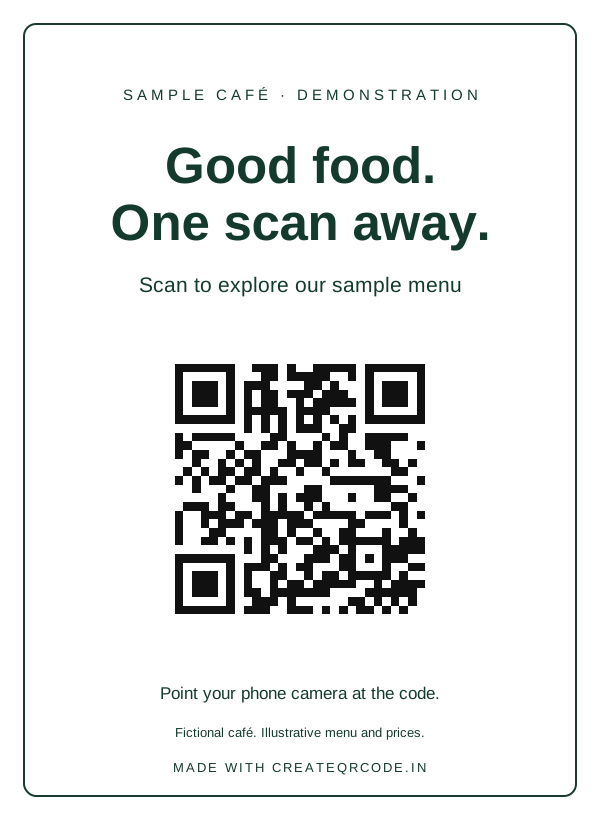
This opens our demonstration menu. Create a new code with your own destination before using it for your business.
How it works
- 1
Publish your menu as a mobile-friendly web page or PDF link.
- 2
Paste the menu URL into the QR generator.
- 3
Download the QR code and test it on multiple phones.
- 4
Save it as dynamic when menus or offers change regularly.
Popular use cases
Frequently asked questions
How do I make a QR code for a restaurant menu?
Publish your menu online, paste the menu URL into the QR generator, download the QR code, and place it on tables, counters, packaging, or flyers.
Can I update my menu after printing the QR code?
Yes, if you use a dynamic QR code. You can update the destination when your menu changes without reprinting the QR code.
Can I track menu QR scans?
Dynamic menu QR codes can track scan count, location, device, browser, and time trends.
Should my menu be a PDF or webpage?
A mobile-friendly webpage is usually easier to read on phones. PDFs can work well for simple menus if they load quickly and are readable on small screens.
Need editable QR codes and scan analytics?
Create a free account to save dynamic QR codes, update destinations after printing, and track scans from your dashboard.
Related QR tools
PDF QR Code Generator
Create a QR code for a PDF brochure, menu, catalog, resume, or document link. Use dynamic QR codes to update files and track scans.
Dynamic QR Code Generator
Create dynamic QR codes you can edit after printing. Track scans by location, device, browser, and campaign performance with Create QRcode.
Google Review QR Code Generator
Create a Google Review QR code for counters, receipts, packaging, and follow-up cards. Track scans and update links with dynamic QR codes.
WiFi QR Code Generator
Create QR codes for guest WiFi instructions and network access pages. Help visitors connect faster and use dynamic QR analytics for business locations.
UPI Payment QR Code Generator
Generate a free UPI payment QR code for Google Pay, PhonePe, Paytm, and BHIM. Accept instant direct bank payments with zero fees for your shop, clinic, or freelance business.