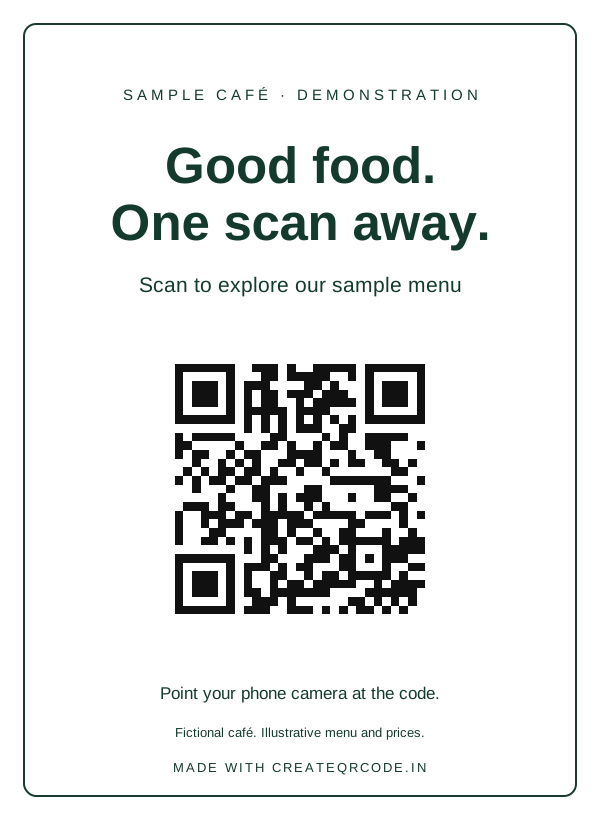
Open your menu
Share a public menu from a table or takeaway bag. Use dynamic when you need to replace the destination after printing.
Create a menu QR →For independent cafés & restaurants
Give guests a clear way to open your menu, join your guest network and leave a review. Start with free static downloads; no account is needed.
Editable destinations and scan analytics require a dynamic account. The free dynamic trial includes seven days and 100 scans. See all plans.
Share a public menu from a table or takeaway bag. Use dynamic when you need to replace the destination after printing.
Create a menu QR →Encode your guest-network credentials. Print a replacement static code whenever those credentials change.
Create a Wi-Fi QR →Share your Google Business Profile review link on a counter card. Invite honest reviews without incentives.
Create a review QR →The demonstration card opens our fictional sample menu. Generate a fresh code with your own details before printing customer material.